 BindlrComing soon
EXPLORE BINDLR / SOCIALS
Your people. Your shared obsession.
Collecting is better when there is someone to share it with. Post your favourite pages, message friends and bring friends and family into your next collecting project.
4 feature guidesMeet the Bindlr app
02 / SOCIALS
Keep the conversation going
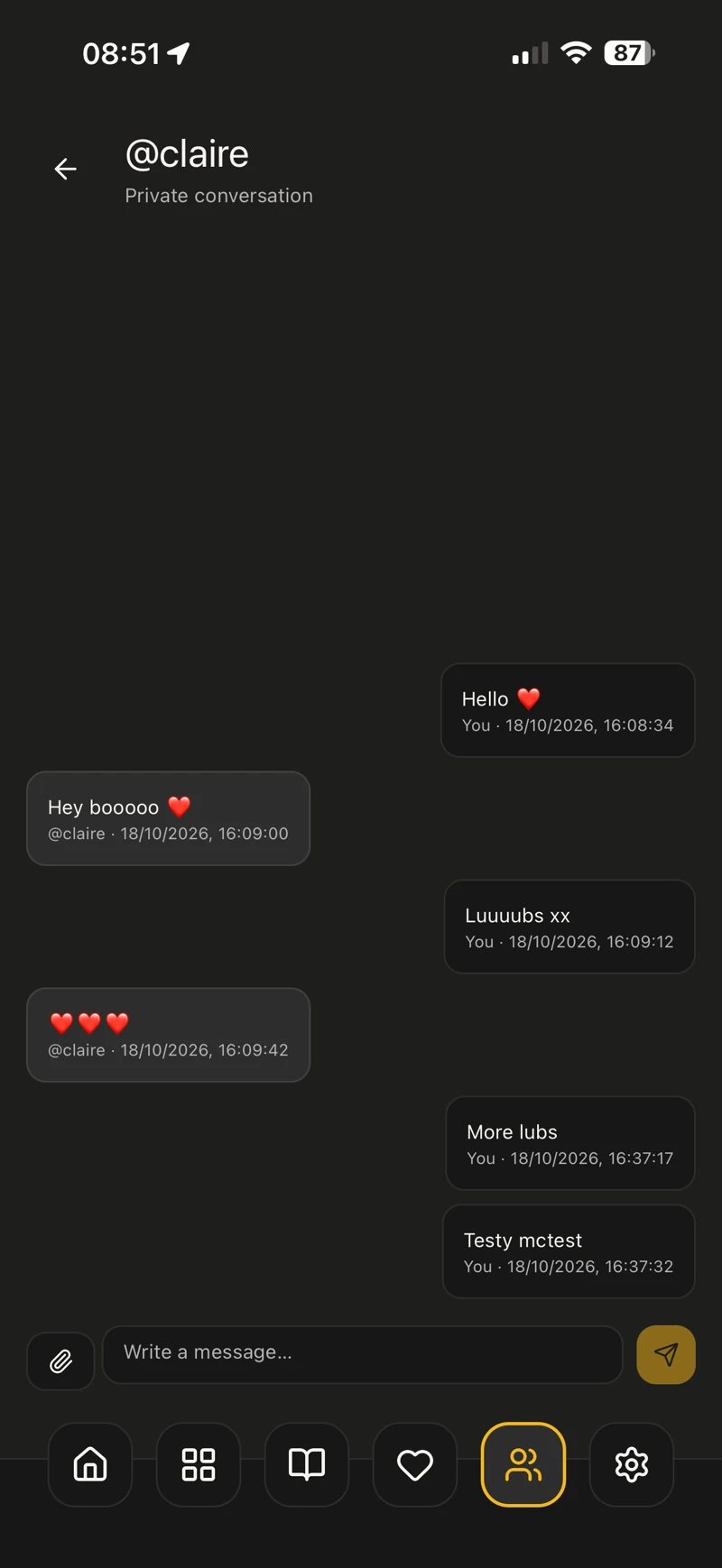
Message friends inside Bindlr, from a quick hello to a conversation about your latest additions.
How to get started
- Open messages from Socials.
- Choose a friend or an existing conversation.
- Write your message and send it.
 View full size
 03 / SOCIALS
Give a great page another audience
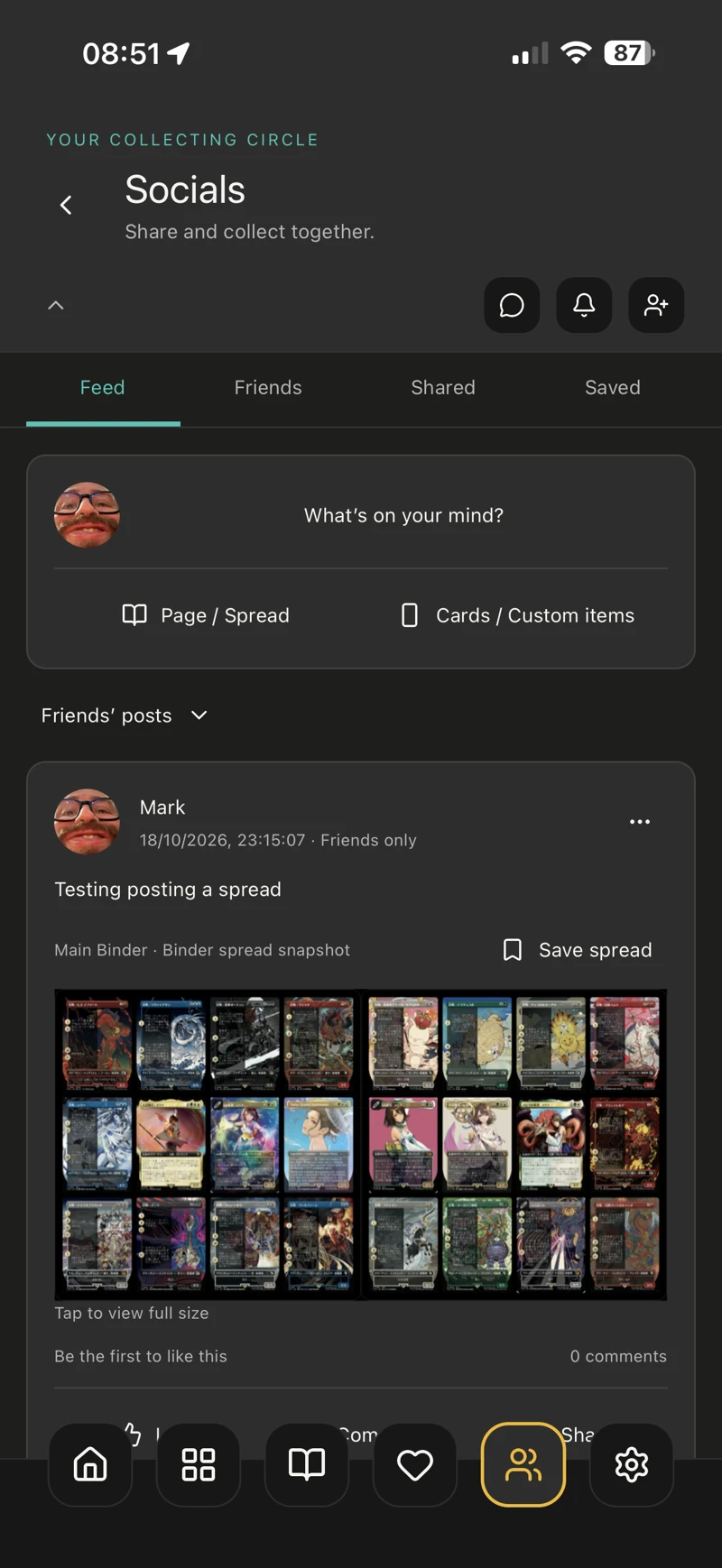
Share pages, spreads and designs, and save layouts that inspire your next binder project.
How to get started
- Choose a page or spread you want to show.
- Use the sharing options to create your post or share the design.
- Explore shared layouts in Socials and save the ones you want to return to.
 View full size
 04 / SOCIALS
Collect with friends and family
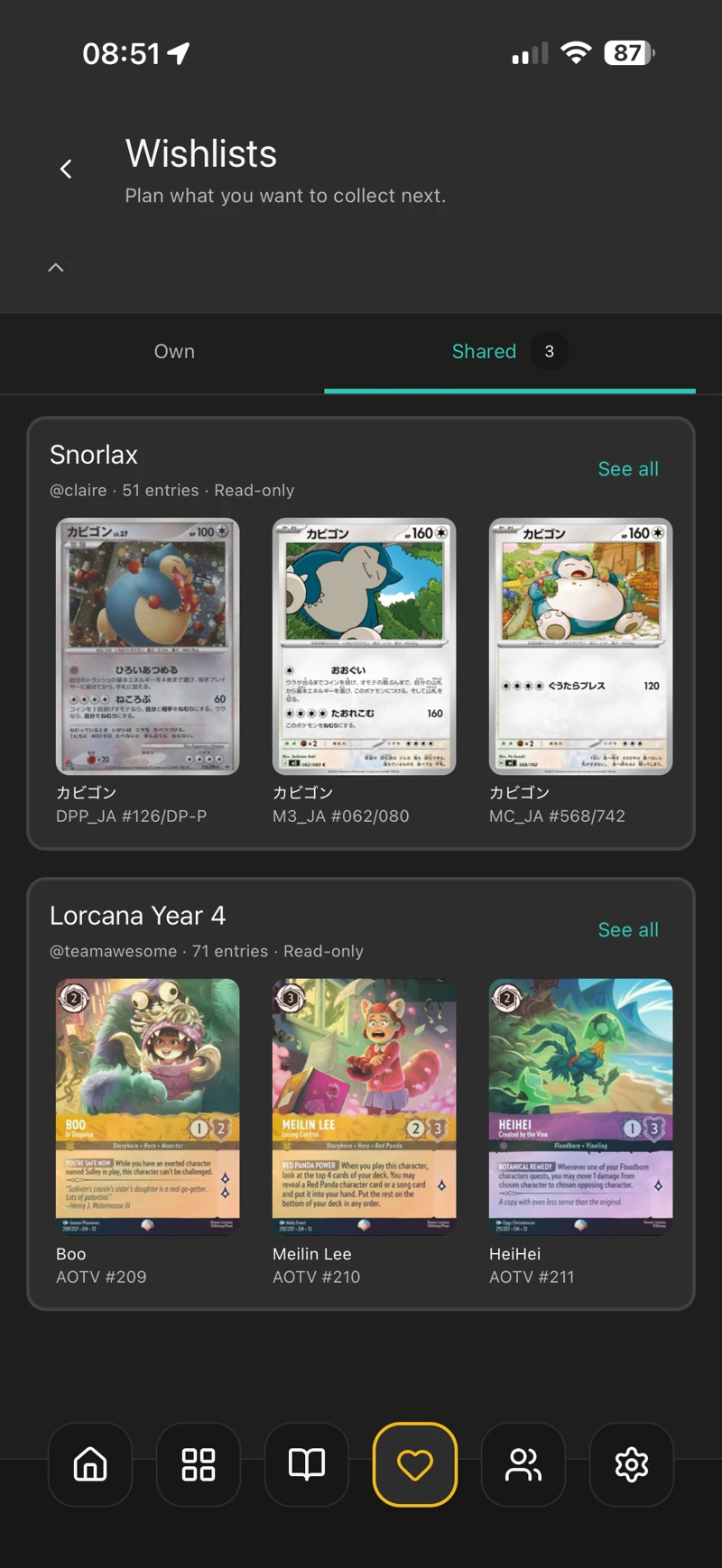
Share a binder or wishlist so people close to you can see your plan, follow your progress and know what is still on your list.
How to get started
- Open the binder or wishlist you want to share.
- Use Share to invite a friend and review the access offered.
- Find invitations and shared collections in the app’s shared views.
Shared wishlists in this example are read-only. Available access depends on what is being shared.
 View full size
 KEEP EXPLORING
01 / SOCIALS
Share what you are collecting
Post updates, cards and custom items to the feed, and see what others in your collecting circle are enjoying.
How to get started